Flow
How your group gets together quickly.
Collect route, places and vehicles.
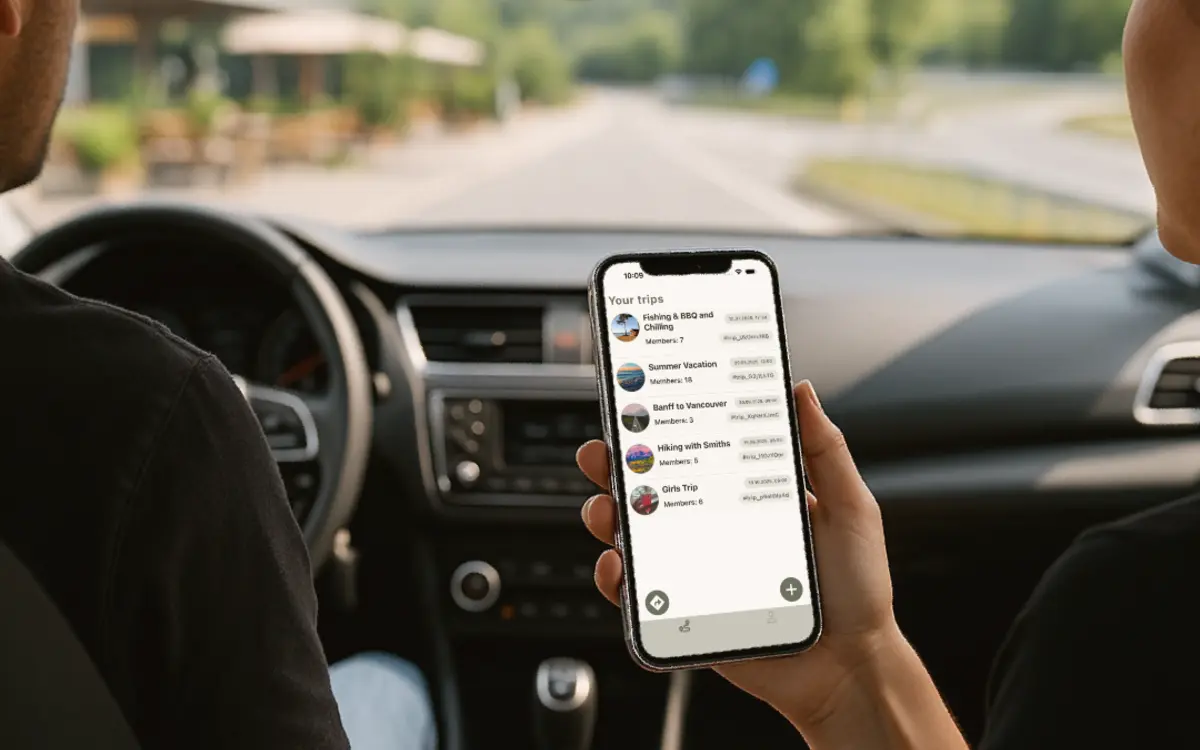
Keep meeting points, documents, vehicles and planned stops in one place.
Other drivers join easily.
Share the trip by invite link or code. It works for families, friends, clubs and camper groups.
Use live map, signals and navigation.
See the group, send pause or help and start standard phone navigation for free. Premium adds live traffic and vehicle displays.
On The Road
When something happens, not everyone has to call.
Who is already through?
The live map shows how the vehicles spread out and where the group can meet again.
One signal instead of chat noise.
Drivers who need to stop can send a pause signal so everyone knows.
Clearer than a missed call.
When support is needed, the group can see faster that something is happening.
Routes for campers and trailers.
DriBu can take height, width and weight into account during route planning where regional routing data is available.
FAQ
Common Questions
How do I start a DriBu trip?
Create a trip, share a link or code and invite the other drivers. The group can then use route, live map, places and signals together.
What can drivers see in a trip?
Depending on sharing choices, drivers can see the group on the map, shared routes, places, chat, pause or help signals and other trip content.
Is navigation free?
Yes. Standard turn-by-turn navigation on your phone is free. Height, width and weight can also be applied to free standard routes where regional routing data is available. Premium adds live traffic, saved and advanced routes, CarPlay and Android Auto.
Get DriBu
Start your next trip together.
DriBu is available for iOS and Android.