

See who is already through.
The live map shows who is ahead, who is still waiting and where the group can come back together.
DriBu Group Navigation
DriBu keeps road trips, camper convoys and family drives with several cars together.
With a shared route, live map, and clear pause and help signals. DriBu can take height, width and weight into account during route planning where regional routing data is available. Fewer “where are you?” messages, fewer calls, less chat chaos on the road.
What DriBu Solves
DriBu is for trips where not everyone sits in the same car. A shared route, live map, and pause or help signals replace many calls and chat messages.
The live map shows who is ahead, who is still waiting and where the group can come back together.
When one vehicle falls behind, nobody has to call immediately. DriBu shows where everyone is.
Send pause or help directly from the map or navigation view so the others know what is happening.
Open a prepared sample trip with a route, vehicles, map markers and travel data in DriBu's regular interface.
Why DriBu
DriBu is made for trips where several people or vehicles travel together: road trips, family holidays, camper groups, clubs, events and spontaneous drives.
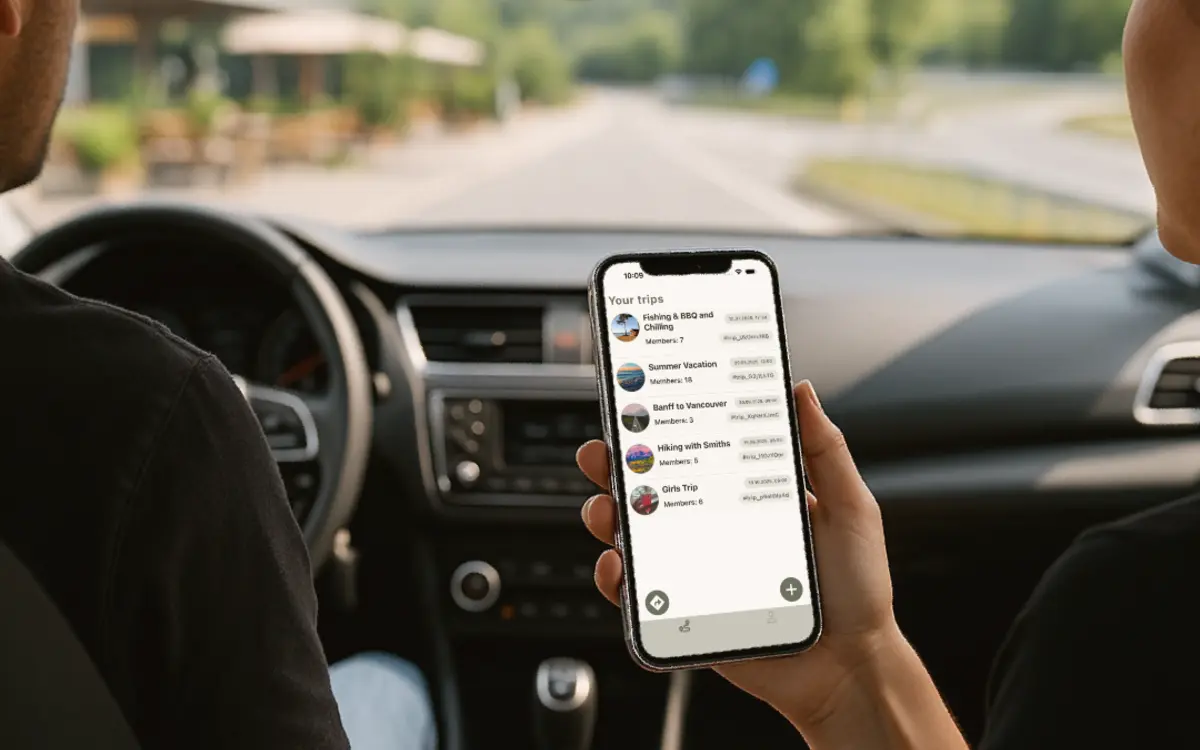
People, vehicles, routes and group status stay in one place. Others can join by invite link or trip code.
Everyone can see the group on one shared map, with or without active navigation. Sharing always stays optional.
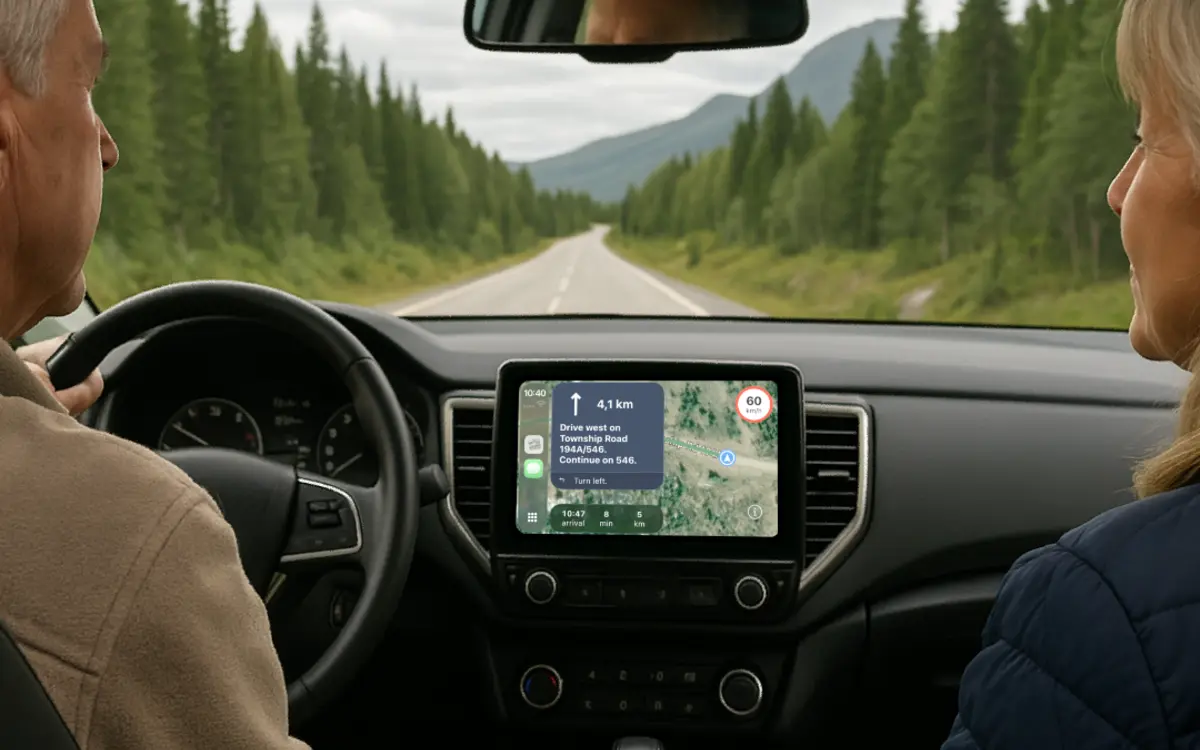
Start standard turn-by-turn guidance on your phone without Premium. Add live traffic and advanced routes only when you need them.
Need a break or help? Send it from the map or navigation view so the group knows what is happening.
 Find the group
 Shared trip
 Vehicles
 Breaks & help
On the road together
After stops, fuel breaks or spontaneous detours, the shared map helps the group come back together. DriBu also works solo for quick navigation or vehicle profiles.
Before You Sign Up
Demo mode is not a reduced marketing screen. It opens a prepared sample trip in DriBu's normal interface, with a fixed route, matching map markers, travellers and sample travel data.
No account, email address or location permission is needed to open the sample trip.
Move through the same areas and controls you will later use during a real trip.
Create your own trip and use standard navigation, planning and group features for free.
Everyday travel situations
How DriBu can help on the road: regroup at toll booths, make fewer calls, and keep the shared route and vehicle data in one place.
A toll booth separates your vehicles. View the latest shared positions on the live map and agree on a meeting point.
Add height, width and weight for route planning. Keep shared stops and vehicle documents within reach in your trip.
One car needs a break. Share the next meeting point in the trip chat and check shared positions on the map.
What DriBu Can Do
Plan your trip, navigate on your phone, find each other on the road, share expenses and keep earlier journeys in one travel journal. The essentials stay free. Premium adds live traffic, advanced routes and navigation on the vehicle display.
Friends or family can follow the drive in a browser, even if they are not using the app themselves.
Bookings, vehicle papers and important travel information stay where you can quickly find them on the road.
Save meeting points, pitches, favorite places and spontaneous stops so nobody has to search the chat later.
Show a QR code, import the vehicle profile, done. Handy for campers, vans, trailers and shared vehicles.
Add fuel, campsite or restaurant costs to the trip and choose who shares each amount. DriBu shows who still owes whom.
Add earlier journeys, countries and destinations manually, so badges, stats and memories also include trips from before DriBu.
Pricing
Standard turn-by-turn, trips, the live map, group expenses and your travel journal are free. Premium is for live traffic, saved and advanced routes, Apple CarPlay and Android Auto. You only pay when those extras matter to you.
Free
€0
For phone navigation, planning, your group and travel journal.
Premium
from €0.99
See available trial offers and terms in the store before buying.
Prices for new purchases in Germany: on Google Play from October 8, 2026, and in the App Store from October 9, 2026. Existing subscriptions keep their current prices; previously purchased lifetime access remains valid. Regional prices may vary. The price shown in the store applies.
Premium applies to your DriBu account. Other trip members need their own Premium for saved routes, live traffic and vehicle displays. Trial offers apply only to eligible store accounts and products.
| Feature | Free | Premium |
|---|---|---|
| Plan, join and share trips with the group | Yes | Yes |
| Live locations, live share links and shared map | Yes | Yes |
| Chat, photos, breaks, help, polls and tasks | Yes | Yes |
| Meeting points, favorite places, stops and reviews | Yes | Yes |
| Documents for trip, vehicle and personal travel info | Yes | Yes |
| Vehicle profiles with documents and QR sharing | Yes | Yes |
| Travel stats, badges, recaps and route animation | Yes | Yes |
| Add, split and settle group expenses | Yes | Yes |
| Add earlier journeys and destinations to the travel journal | Yes | Yes |
| Map, destination search and route preview | Yes | Yes |
| Standard turn-by-turn navigation on your phone | Yes | Yes |
| Save and reuse routes | - | Yes |
| Start navigation in CarPlay and Android Auto | - | Yes |
| Live traffic data and route updates during the drive | - | Yes |
| Height, width and weight in route planning where regional routing data is available | Yes | Yes |
For Campers & Motorhomes
If you travel with a camper, motorhome, van or trailer, DriBu lets you keep several vehicle profiles with height, width, length, weight and vehicle type. DriBu can take height, width and weight into account during route planning where regional routing data is available. Length and vehicle type remain profile details and are not presented as routing constraints.
DriBu For Real Trips
These pages focus on real travel situations: how a DriBu trip works, how groups use it on the road, and where your next drive can become easier.
How DriBu works
Create a trip, share a link and drive together.
Real trip experiences
How groups use the live map, toll booth overview and vehicle data.
 Clubs & roadshows
Routes, QR invites and live map for organized group drives.
 Shape DriBu
Tell us where your next group drive should become easier.
Privacy
DriBu helps the group see each other during a trip without making location sharing permanent. Sharing is optional and can be turned off at any time.
You decide when your position is visible in the trip.
Location is used for the feature you choose, not as a permanent travel record.
When you leave or delete a trip, related trip data is removed.
FAQ
Open your group’s invitation link, or choose “Join trip” in the app and enter the trip code. Sign in with your DriBu account and confirm joining. If the invitation has expired or been revoked, ask the trip organiser for a new link.
No. A trip invitation lets you join the shared trip. A public live link only shows guests the positions shared for that view in their browser. Joining a trip does not enable location sharing with the group or participation in the public live link; you choose each separately.
For the full group experience, every driver should use the app. Guests can also follow a trip through a live link in the browser when that fits better.
Standard phone navigation, trips, the group overview, live locations, chat, places, documents, vehicle profiles, group expenses, the travel journal, badges and recaps are free. Premium adds live traffic, saved and advanced routes, CarPlay and Android Auto.
Free trial availability depends on the product and your store eligibility. In Germany, the options are a €0.99 day pass, €2.99 monthly, €19.99 yearly or €99.99 lifetime. These prices apply to new purchases on Google Play from October 8, 2026, and in the App Store from October 9, 2026. Existing subscriptions keep their current prices. The price shown by your App Store or Google Play in the app is always the one that applies.
Yes. Choose “Explore demo” at launch. You will see a prepared sample trip in the real app layout with a route, markers, travellers and travel data, without an account or real location.
Anyone in the trip can add an expense and choose equal or individual shares. DriBu summarises who owes whom; the actual payment still happens outside the app.
Yes. Add countries, destinations and travel dates manually, so DriBu becomes a complete travel journal for trips from before you started using it too.
Yes. Vehicle profiles can store height, width, length, weight and vehicle type. DriBu can take height, width and weight into account during route planning where regional routing data is available. Length and vehicle type are not presented as routing constraints.
Ready for your next trip?
Download DriBu for iPhone and Android and open the demo without signing up. Help is available at dribu.de/en/help.